5 Real Cases Cracked by Metadata (and What Your Own Files Give Away)
A fugitive's location in a magazine photo, a serial killer's floppy disk, an $840 million lawsuit thrown out over PDF dates. Five real cases where a file's hidden details told the truth, and how to read the same details in your own files.
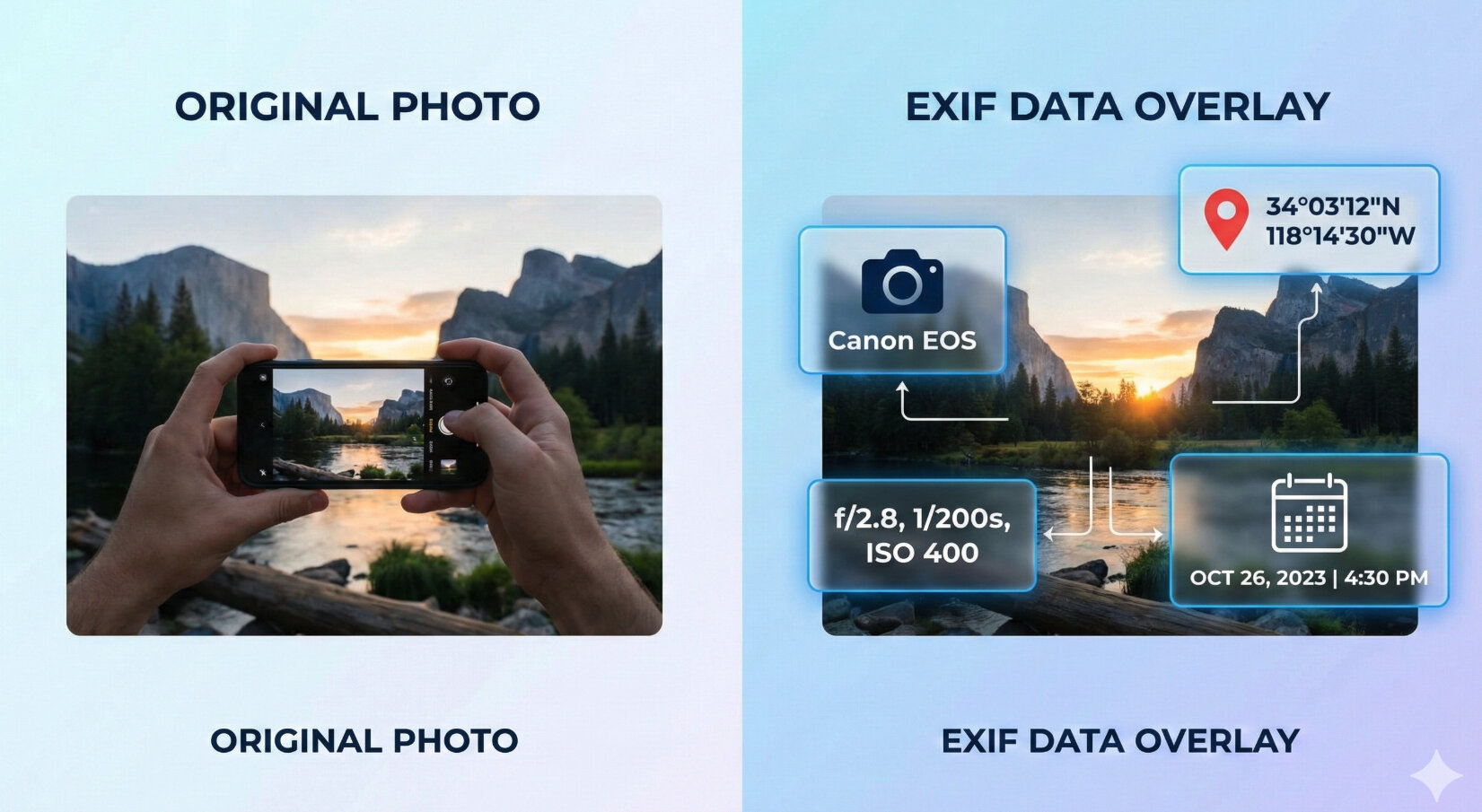
Every photo and document carries a second story, written by the device or app that made it: when, where, on what, by whom. Most people never look at it. Investigators do, and sometimes that hidden layer says something the file's owner never meant to say.
Here are five real cases where metadata told the truth, from a fugitive's location to an $840 million lawsuit, and the same fields you can check in your own files with our free tools. (If the word is new to you, start with what EXIF data is.)
About the screenshots: they're recreations. We made sample files with the same kind of metadata each case turned on and ran them through our tools, so you can see what investigators saw. They are not the original evidence files.
1. The fugitive and the magazine photo (2012)
In December 2012, John McAfee, the antivirus pioneer, was on the run. Police in Belize wanted to question him about the death of his neighbour, and his whereabouts were unknown. Journalists from Vice found him and published a photo of him with their editor, taken on an iPhone 4S.
The photo still had its GPS position inside. Within hours, readers downloaded it, read the coordinates and pointed out that the picture had been taken in Guatemala. McAfee first claimed the data had been faked, then admitted it was right. Days later he was detained in Guatemala for entering the country illegally.
A phone writes its position into every photo while location access is on for the camera, and many websites publish the file as it is. Here is what that looks like for a photo taken in Guatemala City:
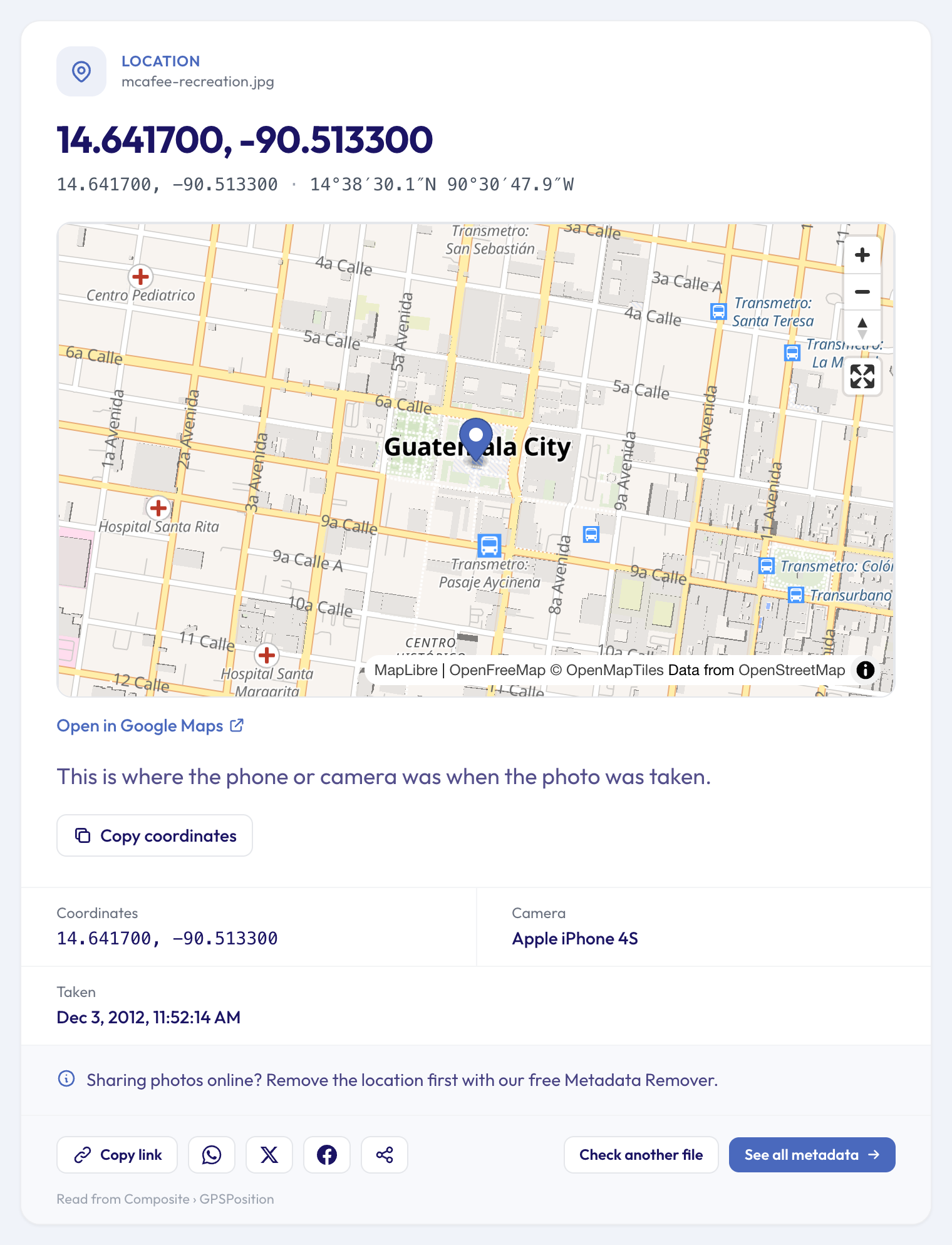 A recreation: a sample photo with the same kind of GPS data, in our Photo Location Finder.
Check your own photos: drop one into the Photo Location Finder. If a pin appears, so would it for anyone you send the original file to. Our guide on whether your photos reveal where you live explains when phones save it and when apps remove it.
2. The hacker and the photo of his girlfriend (2012)
In 2012, a hacker calling himself "w0rmer" leaked the personal details of police officers from several US agencies. Next to the leaked data he posted a photo of a woman, a taunt aimed at the people looking for him.
According to the FBI's affidavit, the photo's metadata showed it was taken on an iPhone 4 and edited in Photoshop, and its GPS position pointed to a suburb of Melbourne, Australia. Investigators found a woman there who was connected online to a Texas programmer, Higinio Ochoa. He was arrested, pleaded guilty and served about two years in federal prison.
Editing a photo doesn't always remove its metadata. Many editors keep the camera's details and add their own name to the file:
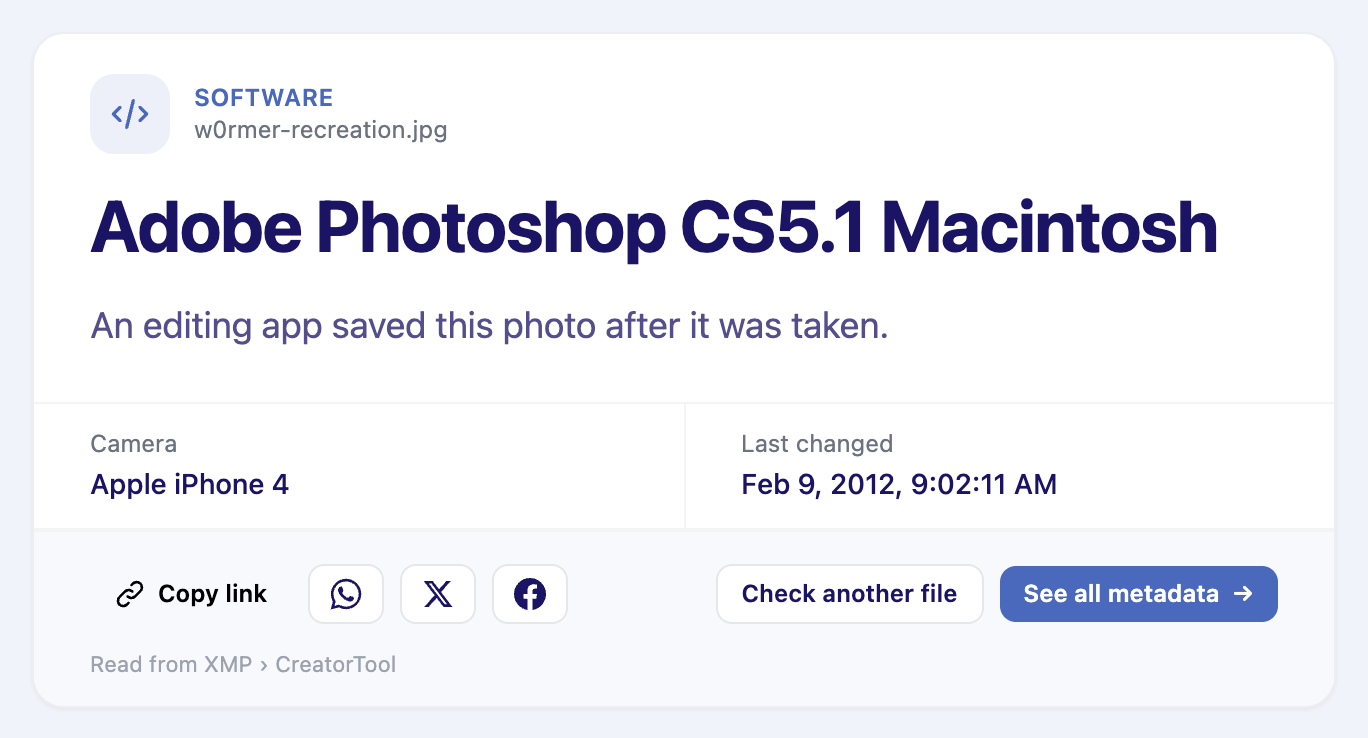 A recreation: an iPhone photo that went through Photoshop, in What Software Edited This Photo.
Check your own photos: What Software Edited This Photo shows which app saved a picture last, and What Phone Took This Photo shows the device behind it.
3. The serial killer and the floppy disk (2005)
The BTK killer murdered ten people in and around Wichita, Kansas, between 1974 and 1991, and taunted police and the press with letters in the 1970s. He was never caught. In 2004 he began writing again, and in one message he asked whether he could send them a floppy disk without it being traced to a computer. Police answered through a newspaper ad, as he had asked: it couldn't.
In February 2005 he mailed a floppy disk to a local TV station, KSAS. On it, a police examiner found a deleted Word file whose details showed it had last been saved on a computer at Christ Lutheran Church, by a user named "Dennis". The church's website listed the president of its congregation council: Dennis Rader. He was arrested less than two weeks later and pleaded guilty to all ten murders.
Word and other Office apps still save the author's name, the person who saved the file last and often a company or organisation, taken from the computer or account that made it:
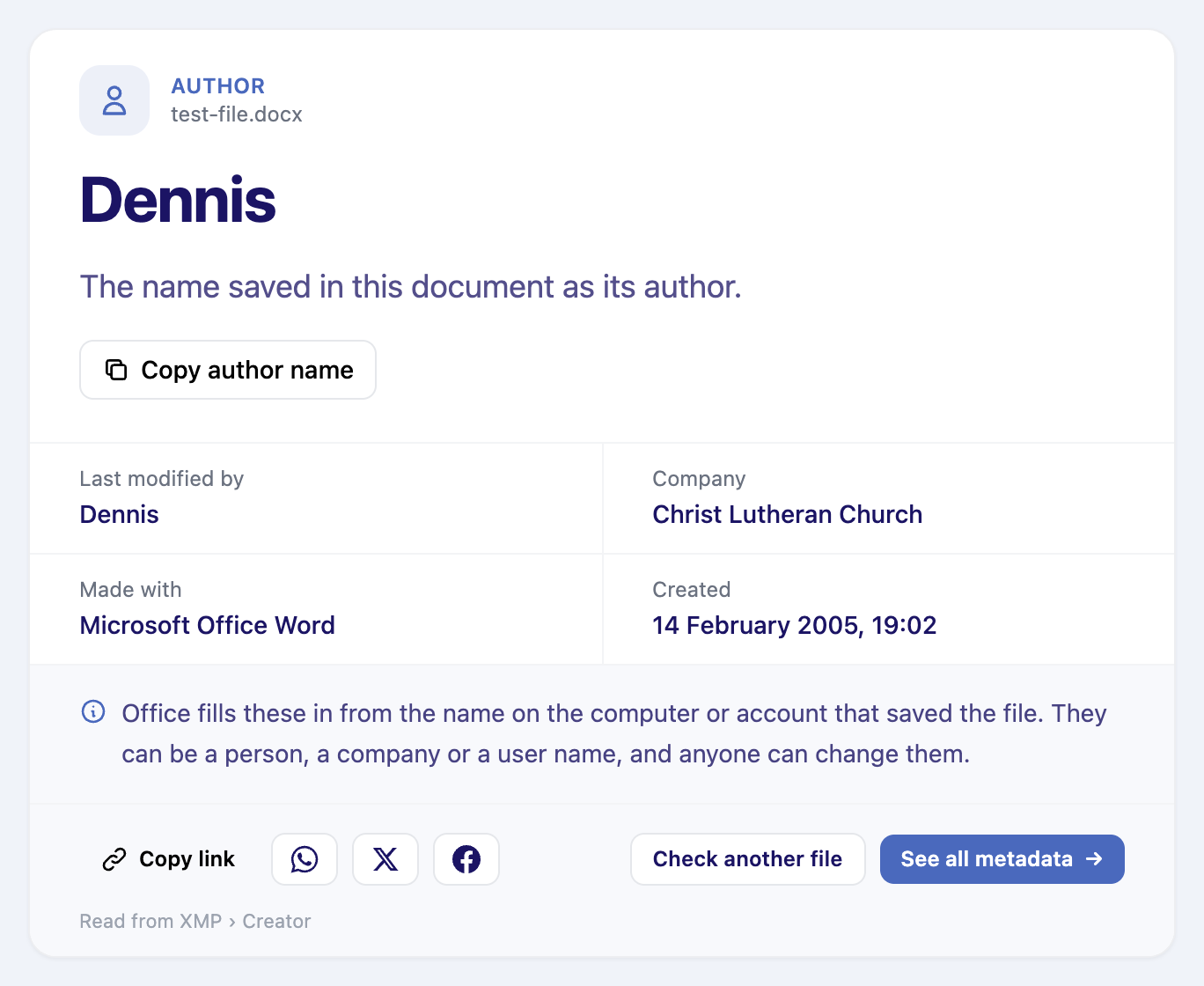 A recreation: a sample Word file with the same kind of properties, in Who Wrote This Document.
Check your own documents: before you send a CV, a contract or a complaint, drop it into Who Wrote This Document. You may find a former employer, a colleague's name or a school account in there.
4. The $840 million lawsuit and the "scanned" purchase orders (2026)
A Vietnamese supplier, Gilimex, sued Amazon in a New York federal court, claiming $840 million after their business relationship ended. To back the claim, it handed over purchase orders and letters it described as scans of paper originals going back years.
The files' metadata told a different story. A forensic expert showed that dozens of them had been created on 31 July 2023, two days before they were handed over, and that they had been made by printing Excel spreadsheets to PDF, not by scanning paper. On 9 July 2026 the court threw out the whole case as a sanction for fraud on the court.
Two fields carry that kind of evidence in every PDF: the app that made it, and the date it was created.
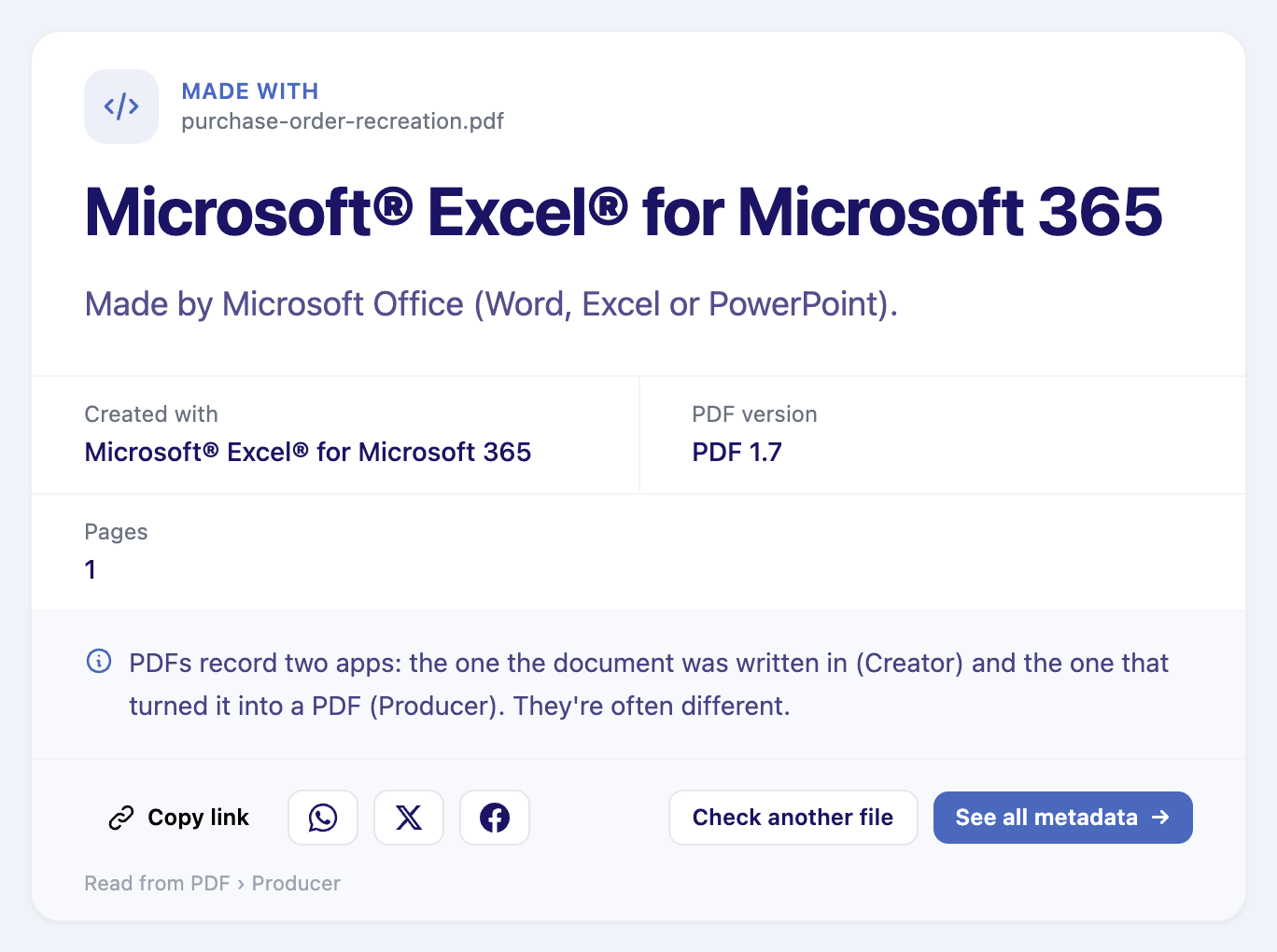 A recreation: a "purchase order" PDF that was really printed from Excel, in What Software Made This PDF. A real scan would name a scanner or a scanning app.
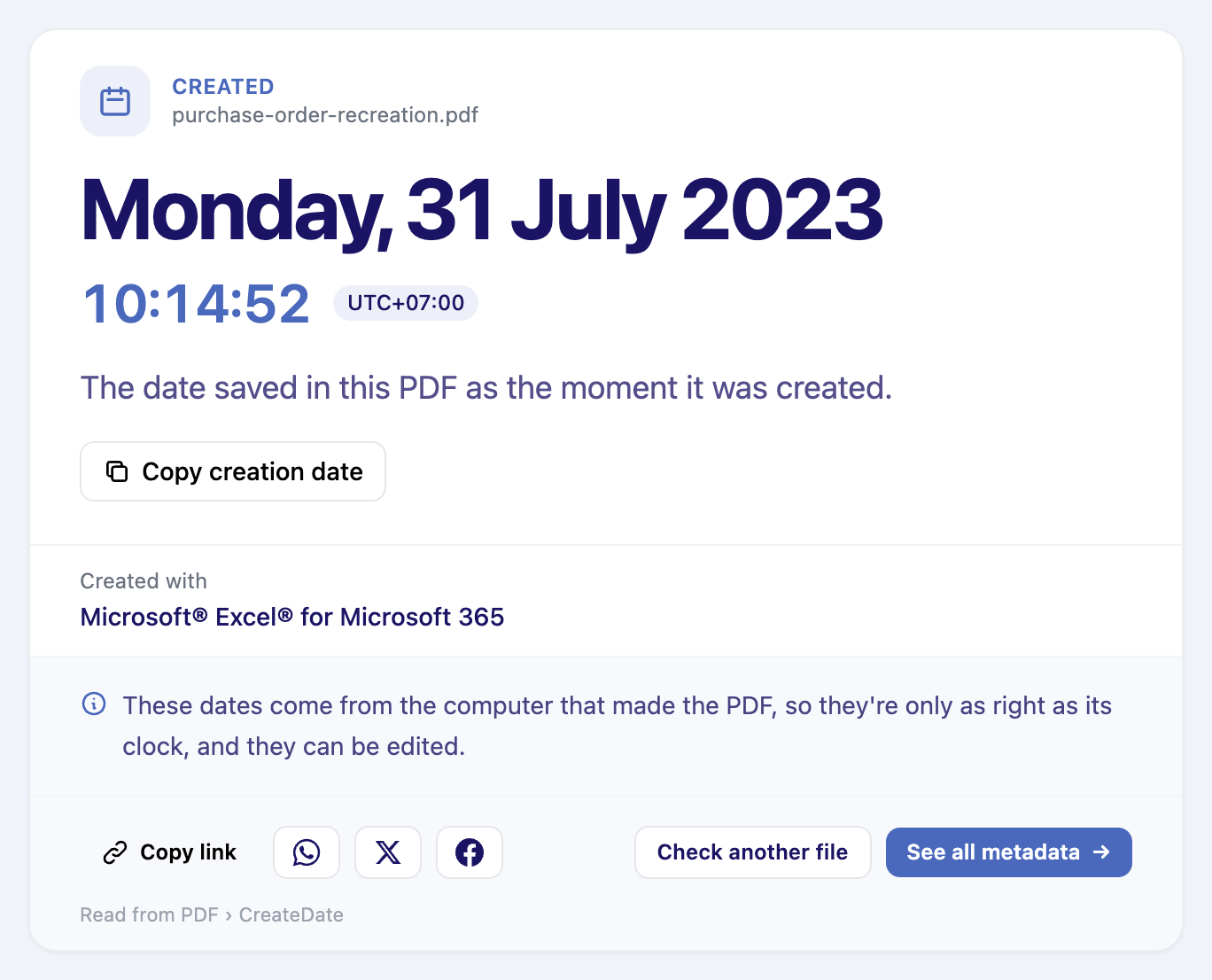 The same file in PDF Creation Date: created years after the date printed on the page.
Check a PDF you've been sent: compare the date on the page with the creation date in the file, and see which app made it. Was This PDF Edited also shows whether it was changed after it was first saved.
5. The car insurance claims with borrowed photos (2024–2025)
Insurers now see damage photos that were never taken by the person claiming. Zurich's UK fraud team turned down a claim whose "photo of my car" had been copied from a salvage yard's website, with a new number plate added digitally. Admiral reported a 71% rise in fraud in 2025 and linked part of it to how easy AI image tools have made this.
Metadata is one of the first checks investigators run on a claim photo: when it was taken, on what camera, and whether an editing app saved it. A photo that was taken years before the accident it supposedly shows doesn't need much more explanation.
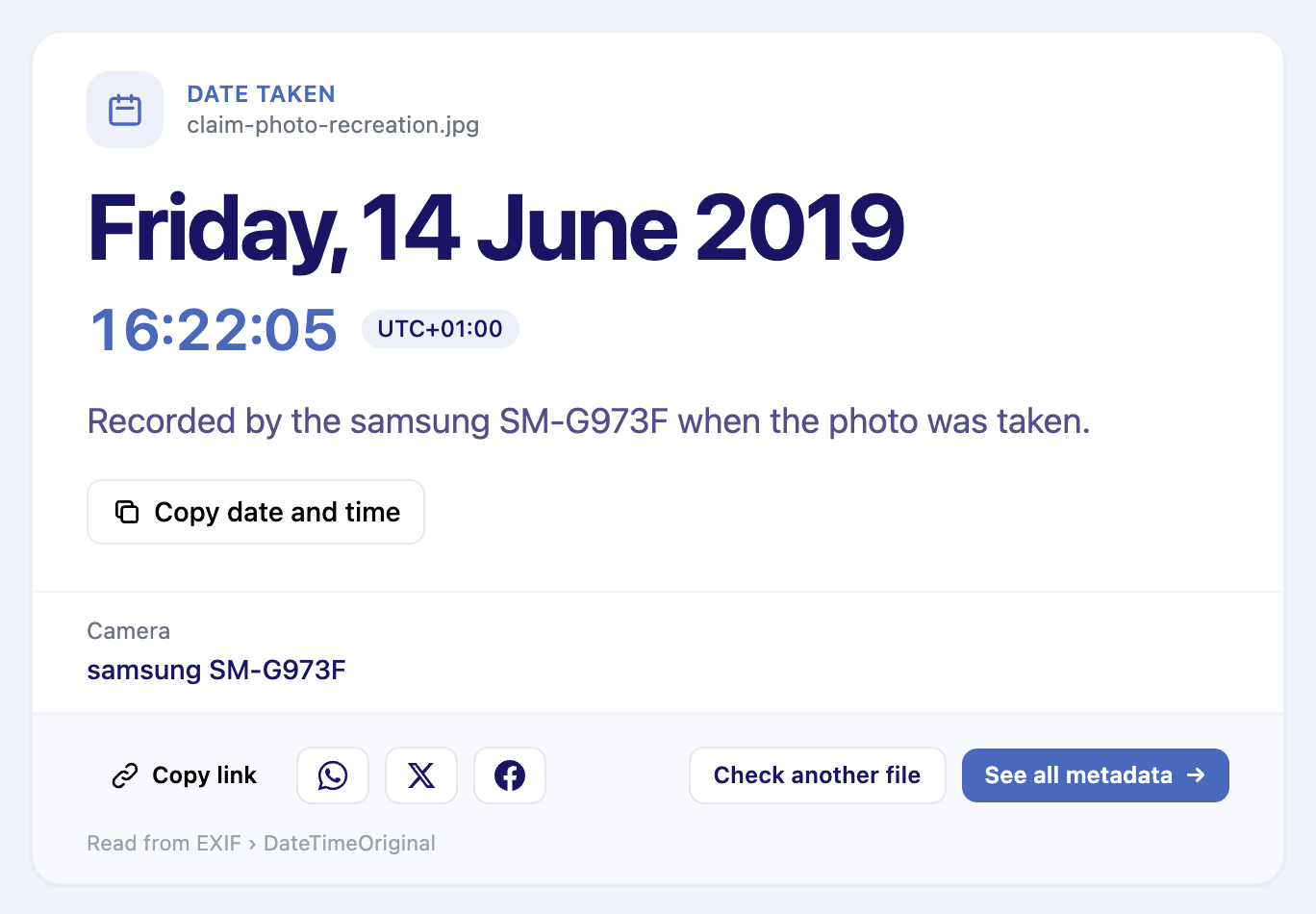 A recreation: a "damage photo" for a 2025 claim, in Photo Date Taken. The camera recorded June 2019.
Check a photo before you trust it: Photo Date Taken shows when it was really taken, Was This Photo Edited looks for signs of editing, and Is This Image AI-Generated looks for the traces AI tools leave in a file.
What metadata can and can't prove
None of these cases rested on metadata alone, and it would be wrong to treat a single field as proof:
- It can be missing. Messaging apps and social networks remove most of it when you share a photo, so an empty file proves nothing either way.
- It can be wrong. Dates come from the device's clock, which may have been set incorrectly or to another time zone.
- It can be changed. Anyone with the right app can edit these fields. In court, experts compare them with everything else they know about the file.
What metadata does well is raise the right question: why does a 2021 purchase order say it was made in 2023? That's often enough to know where to look.
What your own files give away
The lesson of the first three cases isn't really about crime: none of these people knew what their files said about them. The same is true of the photos and documents most of us share every day.
- Check before you share. Drop a file into the EXIF viewer to see everything it holds: location, device, dates, names.
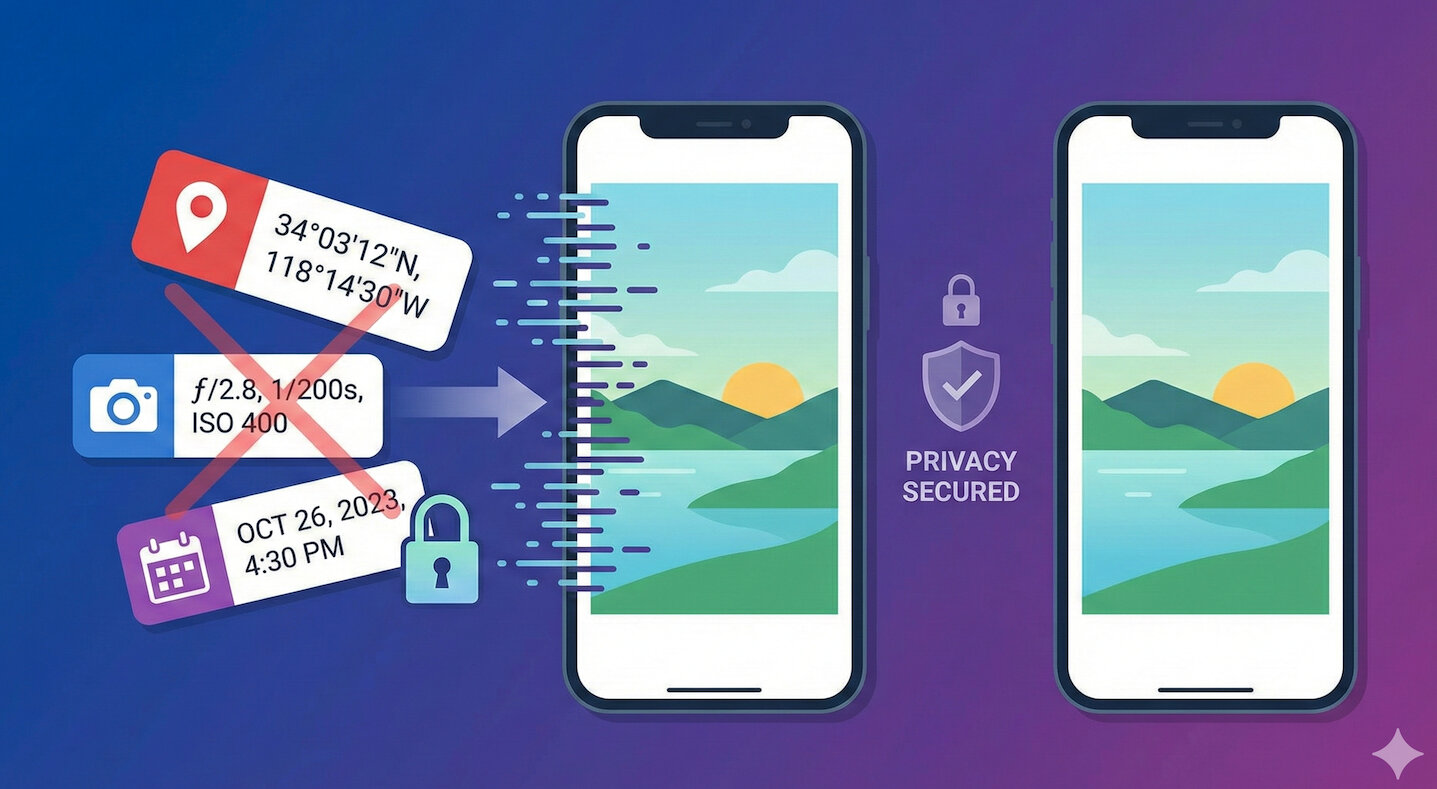
- Remove what you don't want to share. The Metadata Remover deletes the GPS position, device details, author names and dates from photos, videos, PDFs and Office files, without touching the content. Our step-by-step guide shows how to remove EXIF data from photos on any device.
- Use the quick checks. Each of the tools above answers one question about a file in a few seconds. The full list is in our roundup of free online metadata tools.
McAfee's location, the hacker's suburb and BTK's church were all a single field away from being invisible. Check what your files say before someone else does.