How to Check Your Camera's Shutter Count From One Photo
Many cameras write their shutter count into every photo they take. Here's how to read it from one original file, which brands save it, what the number really means and what to do when it can't be found.
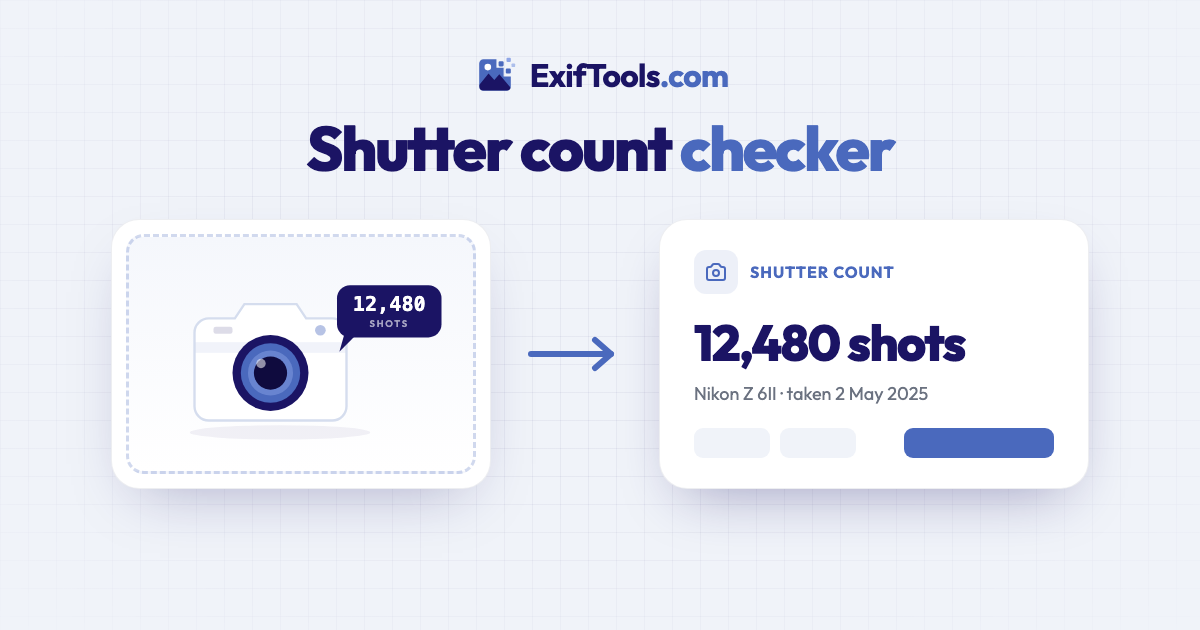
To check a camera's shutter count, take a new photo with it, copy the original file from the memory card and drop it into a shutter count checker. Many cameras quietly write their running total of shots into every photo, so one unedited JPEG or RAW file is enough. No cable, no software, no special menu.
Why bother? The shutter is one of the few parts of a camera that wears out with use, a bit like the mileage on a car. Buying second-hand, the count tells you how hard a body has worked. Selling, it answers the buyer's first question before they ask it.
What a shutter count actually measures
Inside most cameras there's a small mechanical shutter: two thin curtains that open and close for every photo. Each opening is called an actuation, and the shutter count is the total number of actuations the camera has recorded so far.
Manufacturers test their shutters and rate them for a number of cycles. Ratings vary a lot from model to model: as a rough guide, entry-level cameras are often rated for around 100,000 to 150,000 shots, enthusiast models for about 200,000 and professional bodies for 300,000 to 500,000. A rating is an average from testing, not an expiry date. Plenty of shutters keep going long past it, and the odd one fails early.
How to check it from one photo
- Take a fresh photo with the camera. Any subject and any settings will do. A new photo gives you today's count, not the count from whenever an old photo was taken.
- Copy the original file. Use a card reader or a cable to copy the file from the memory card to your computer or phone. Avoid sending it through a messaging app or social network first: those strip the hidden details the count lives in.
- Open the shutter count checker and drop the file in, or tap the button to choose it. JPEG and RAW files both work.
- Read the result. It takes a few seconds. You'll see the count, the camera it came from and the date the photo was taken.
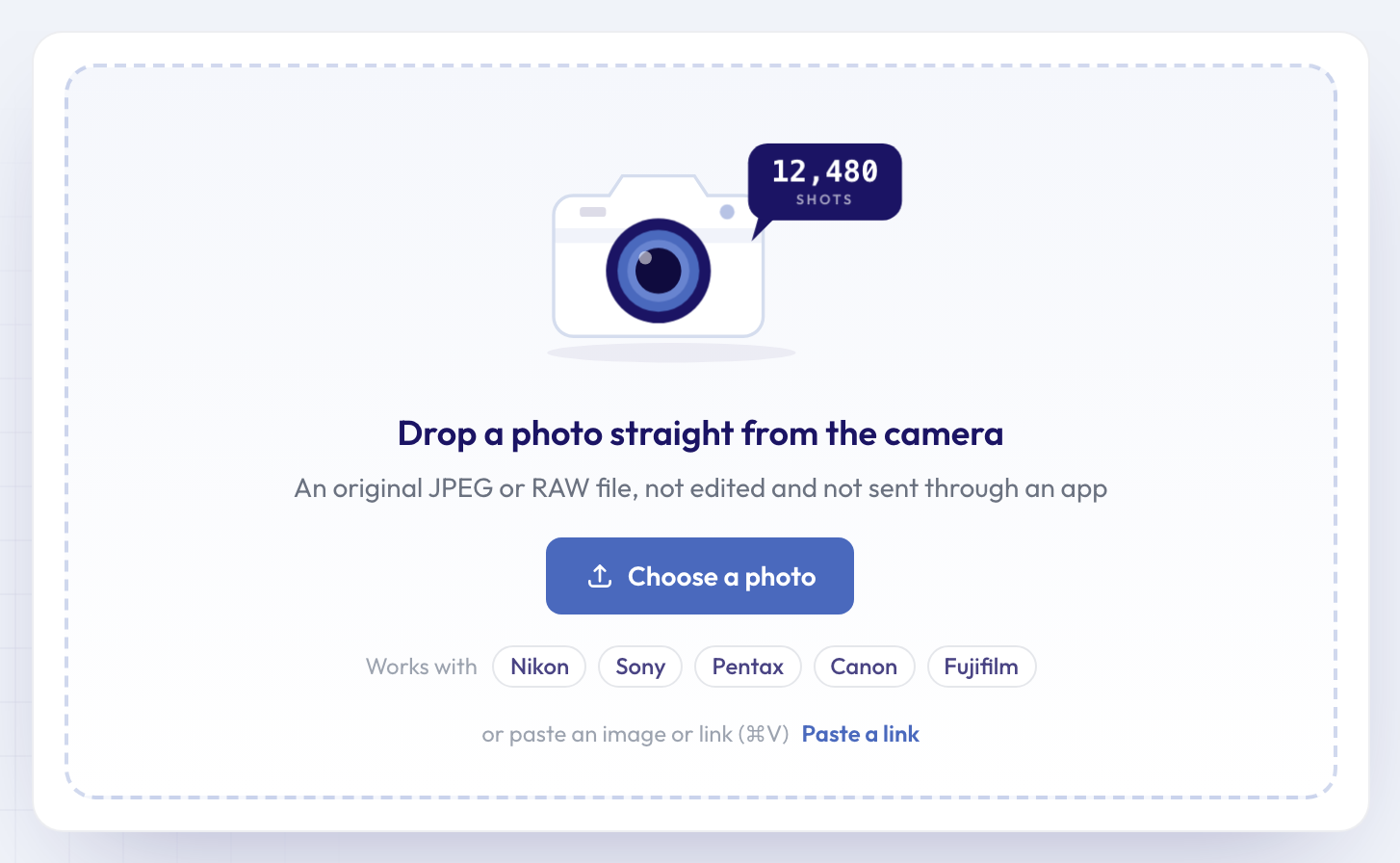 The checker takes one photo at a time, in any browser, on a computer or a phone.
Here's what a result looks like, using an original JPEG from a Nikon D70:
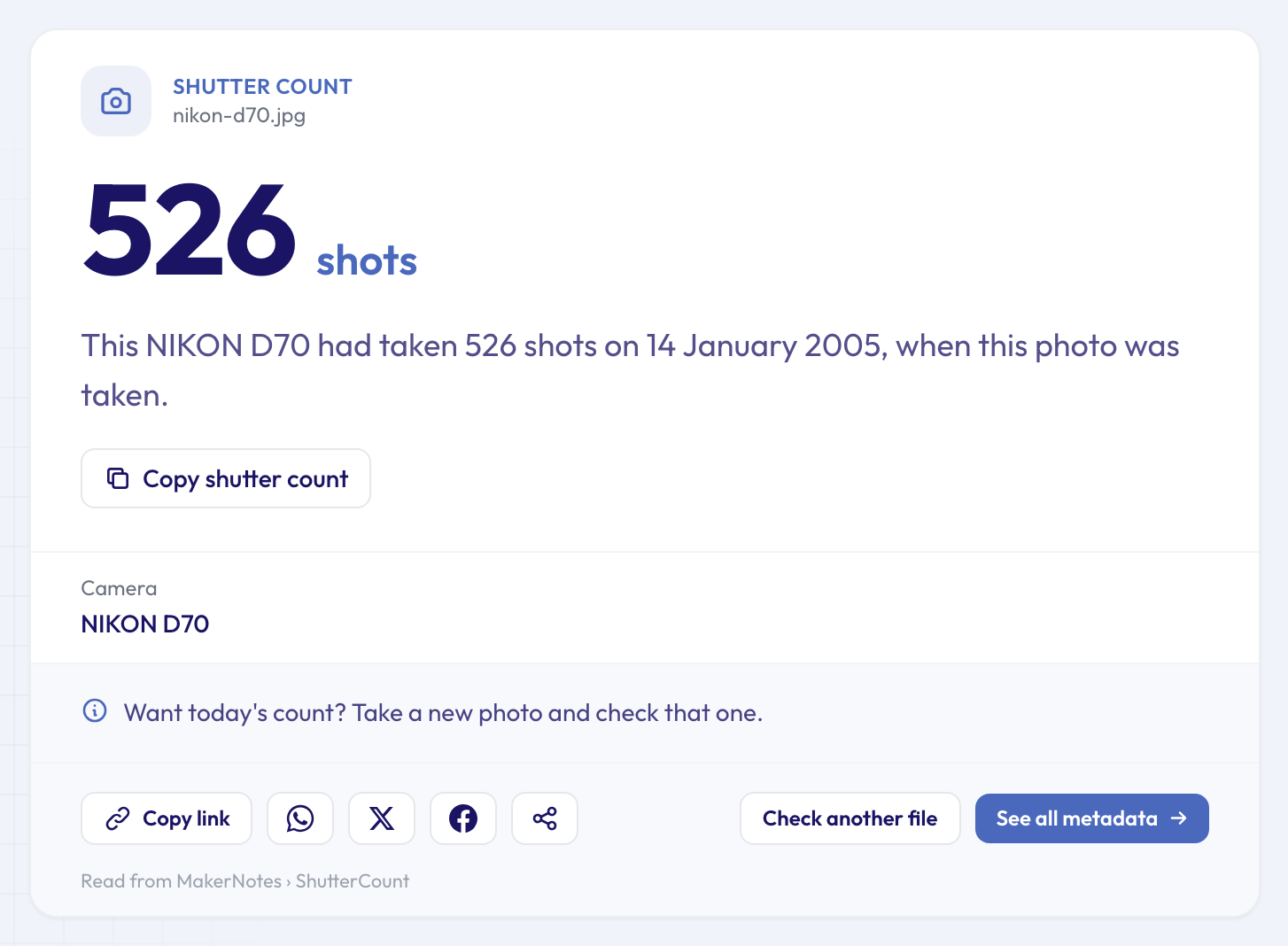 526 shots: the total this Nikon D70 had reached on the day the photo was taken.
Notice the sentence under the number: "had taken 526 shots on 14 January 2005, when this photo was taken". That's the key to any count read from a photo: it's a snapshot of the counter when that picture was taken. A photo from last year shows last year's count.
The "Copy shutter count" button gives you a line ready to paste into a listing, such as "Shutter count: 526 (NIKON D70)".
The service is free and needs no sign-up. Your file is sent over an encrypted connection, read on our servers and deleted automatically after about 24 hours. The result has its own link, so you can share it with a buyer.
Where the count is hidden, brand by brand
The standard photo details every camera writes (model, date, exposure settings) have no field for a shutter count. Each manufacturer writes it into its own private section of the file, the maker notes, in its own format, which is why most photo viewers don't show it. Our guide to what EXIF data is explains how these sections fit together.
What you can expect from each brand:
- Nikon writes the count into JPEG and NEF files from its D-series DSLRs and Z mirrorless cameras. On Z cameras it includes electronic-shutter shots, and some models save a separate mechanical count too. Use the Nikon shutter count checker.
- Sony records it in most Alpha cameras from the last decade, in JPEG and ARW files, but the format changes from model to model and some older bodies start again from zero after 65,535. See the Sony shutter count checker.
- Canon is the exception: most models don't save the count in their photos at all. Only some EOS-1D bodies and a few EOS R models, such as the R5 and R6, do. The Canon shutter count checker tells you straight away which case you're in.
- Fujifilm saves an image count rather than a true shutter count. It goes up with every frame, including electronic-shutter and burst shots. Try the Fujifilm shutter count checker.
- Pentax DSLRs write it into JPEG, PEF and in-camera DNG files. Check it with the Pentax shutter count checker.
Phones don't record a shutter count, since most phone cameras have no mechanical shutter to wear out. Olympus, OM System and Panasonic cameras, among others, don't save the count in their photos either: it can usually only be seen in a hidden service menu on the camera.
All the brand pages read the same data: if you're not sure which one to use, the general checker works for every brand.
When the count can't be found
If the result says "Not found in this file", it also says why, as precisely as the file allows. The most common reason is that the photo isn't the original any more. Here's the same Nikon D70 photo after an export from Lightroom:
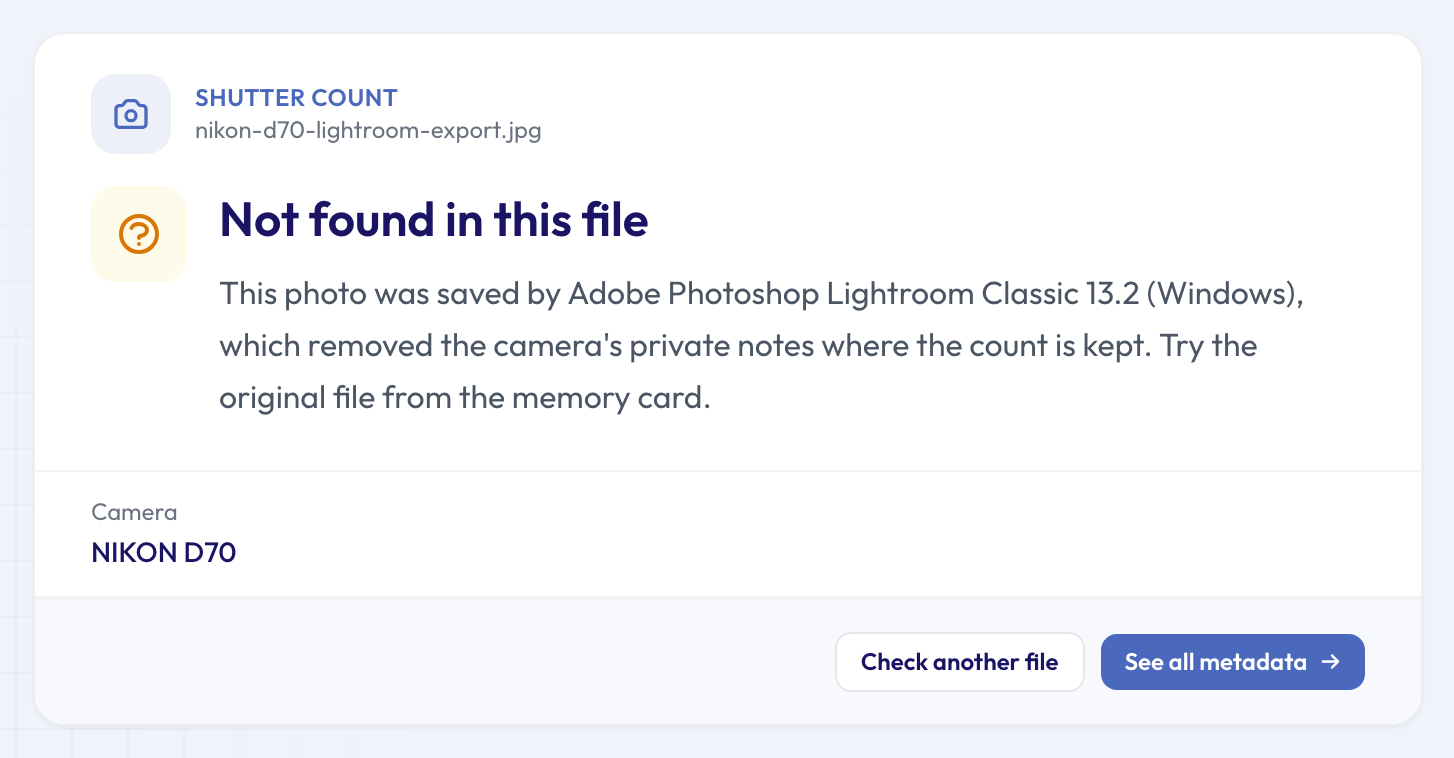 Same camera, same shot, but saved by an editing app: the maker notes, and the count with them, are gone.
The usual culprits:
- Editing apps. Exports from Lightroom, Photoshop and most other editors drop the maker notes. The tool names the app when it can.
- Messaging apps and social networks. WhatsApp, Messenger, Instagram and Facebook all rewrite photos and remove these details.
- Copies made for phones. Camera companion apps often send smaller copies to your phone. Use the file from the card instead.
- Screenshots and downloads. A screenshot has no camera details at all.
- The camera simply doesn't save it, as with most Canon models. In that case the tool tells you so rather than guessing.
To see what's left in a file, drop it into the full metadata viewer, which lists every field it still contains.
Reading the number sensibly
A few things to keep in mind:
- Electronic shutter shots. On many mirrorless cameras the count includes frames taken with the silent electronic shutter, which don't wear the mechanical one. When a camera also saves a separate mechanical count, the result shows it.
- Rollovers and resets. Some counters start again from zero after 65,535, and repair centres usually reset the count when they replace a shutter. A very low number on a camera that looks well worn is worth a question.
- Compare like with like. 40,000 shots is a lot for a camera rated for 100,000 and very little for one rated for 400,000. Look up your model's rating in its manual or on the manufacturer's site.
- It's one check among several. The count says nothing about drops, sand or a scratched sensor.
Next steps
If you're buying, check more than the count. The camera serial number finder shows the serial number saved in the photo, so you can compare it with the one on the body, and the camera finder confirms the model matches the listing.
If you're selling, send the original file privately to a serious buyer, but run any photos you post publicly through the metadata remover first: they can carry your serial number and, if taken at home with a phone, where you live. Our guide on how to remove EXIF data from photos walks through it. For other questions a file can answer, browse our 50 free single-question tools.
FAQ
Does checking the shutter count do anything to my camera?
No. The tool only reads a copy of a photo. Nothing is sent to the camera, and the counter inside it isn't touched.
Is the number in the file name the same as the shutter count?
No. File names like DSC_0526.JPG come from a separate image counter that usually restarts after 9999 and can be reset from the camera's menu. The shutter count is a different counter, and it can't be reset from the menu.
If I shoot RAW and JPEG together, which file should I use?
Either. Both files come from the same press of the shutter button, so they should show the same count. Use whichever is easier to copy.
Can I check the count from a photo posted online?
Usually not. Social networks remove the maker notes when they process an upload, and a downloaded copy is rarely the original file. Ask for the original instead, sent by email or a file-sharing link.
Why does a camera I bought new already show a few shots?
Many cameras are test-fired at the factory, so a new one doesn't always start at zero. A small count, in the tens or low hundreds, isn't on its own a sign of earlier use.
Got the camera next to you? Take one photo, copy it from the card and check its shutter count now.